


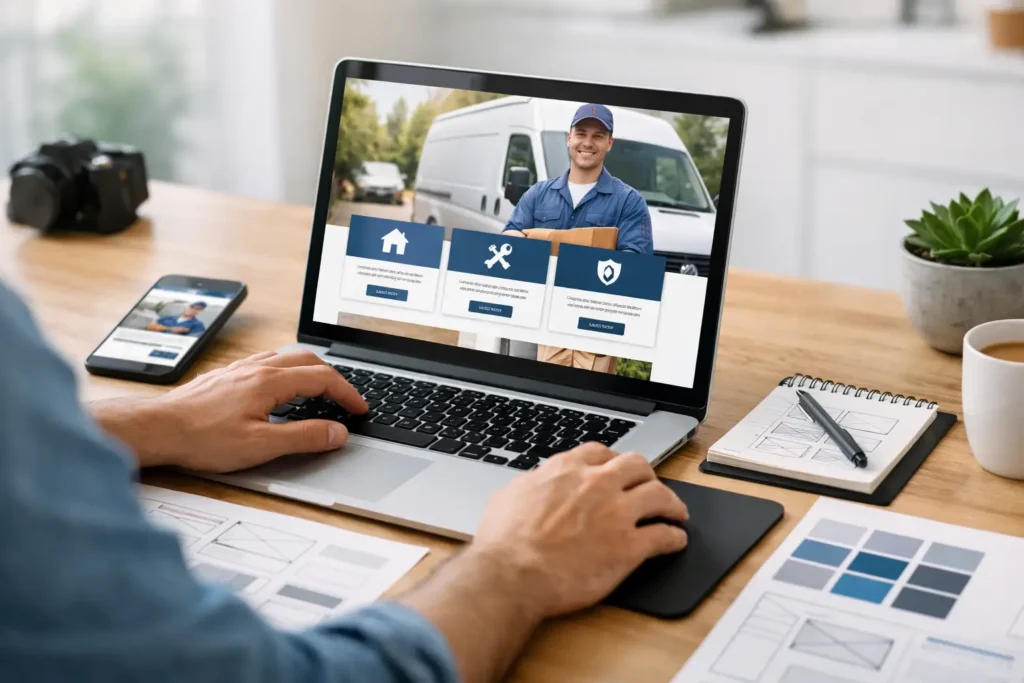
A homeowner with a leaking pipe, a patient looking for an acupuncturist, or a business owner needing financial guidance is not browsing for fun. They want a clear answer to one question: can this business help me, and can I take the next step right now? Knowing how to build a service business website around that moment is what turns a site from an online brochure into a dependable source of leads and bookings.
For local service businesses, a good website does more than look professional. It builds trust before the first call, makes your services easy to understand, captures inquiries, and keeps follow-up from falling through the cracks. The goal is not to add every possible feature. The goal is to create a simple path from local search to conversation, estimate, consultation, or appointment.
Start With the Customer Journey, Not the Design
Before choosing colors, templates, or photos, decide what a new visitor needs to do. Most service business websites should guide people through a straightforward journey: understand the service, see why they should trust you, and take action.
That action depends on your business model. A plumber may need a prominent call button for urgent jobs. A financial advisor may want visitors to schedule a consultation. A wellness practice may need online booking and a short intake form. A contractor might prioritize estimate requests, project galleries, and service-area details.
Choose one primary conversion for each key page. When a page asks visitors to call, email, download a guide, follow social media, and request a quote all at once, it creates hesitation. You can still offer secondary options, but the main next step should be obvious.
Map the questions customers ask first
Your website should answer the questions prospects are already asking before they contact you: What do you do? Who do you serve? Where do you work? What makes you a safe choice? How soon can I get help? What happens after I reach out?
This is especially important for high-trust services. If someone is choosing a tax professional, therapist, attorney, or healthcare provider, they are evaluating credibility as much as the service itself. Clear explanations, professional photos, staff bios, credentials, testimonials, and a transparent process can reduce uncertainty quickly.
Build the Pages That Move Visitors Forward
A small service business does not need dozens of pages at launch. It does need the right pages, each with a job to do.
Your homepage should quickly say what you offer, who you serve, and where you serve them. A visitor should not have to scroll through a vague mission statement to find out whether you provide residential HVAC repair in Sacramento or acupuncture treatments in San Diego. Put that information near the top, followed by a clear call to action.
Create separate service pages for your most important offerings. A single page labeled Services is rarely enough for search visibility or conversions. Individual pages let you explain the problem each service solves, the process, ideal customers, expected outcomes, and the right next step. They also give search engines stronger context about what your business offers.
Add a focused About page that makes your business feel real. This is not the place for a long company history unless it supports your credibility. Explain your experience, approach, qualifications, and commitment to customers. Use authentic team and location photos when possible. Stock photos may fill space, but they do little to prove that a local business is established and accessible.
Your contact page should make contacting you effortless. Include your phone number, service areas, business hours, email address if you use one for inquiries, and a short form. If relevant, add online scheduling. Make sure the form asks only for the information your team needs to respond well. Longer forms can help qualify complex projects, but they can also lower submission rates for simple requests.
How to Build a Service Business Website for Local Search
A service website needs to be easy for people to find, especially when they search with urgent or local intent. Local SEO starts with clarity, not tricks.
Use the words your customers use when they search. A prospective client may search for emergency electrician near me, bookkeeping services in Roseville, or family acupuncture in Orange County. Your page copy should naturally describe your services, locations, and customer needs in plain language.
Give each major service page a specific topic. Instead of repeating the same general paragraph across every page, explain the details that matter for that service. If you serve multiple cities, create useful location pages only where you can provide meaningful local information. Thin pages that merely swap city names do not help visitors and can weaken your site quality.
Keep your business name, address, phone number, and hours consistent anywhere they appear. Add service areas so customers know whether you travel to them or where they should visit you. For appointment-driven businesses, accurate scheduling information matters just as much as a map or phone number.
Speed and mobile usability are also part of local visibility. Many service searches happen on a phone, often between errands or during an immediate problem. Large images, cluttered animations, tiny text, and hard-to-tap buttons can cost you the lead even if your site ranks well.
Turn Website Traffic Into Real Leads
Getting visitors is only half the job. Your website needs a reliable way to capture and manage interest after someone decides to reach out.
Put calls to action where they make sense. Add a button near the top of the homepage, after key service explanations, and at the end of each service page. Use direct language that tells visitors what happens next, such as Request an Estimate, Schedule a Consultation, or Check Appointment Availability.
Trust signals should appear close to those decisions. Customer reviews, years in business, licenses, certifications, guarantees, affiliations, and before-and-after examples can all help. The right proof depends on the service. A remodeling company may benefit from project photos and detailed testimonials, while a financial professional may emphasize credentials, specialties, and a clear consultation process.
Do not let form submissions sit in an inbox without a system. Fast follow-up has a direct effect on conversion, particularly when prospects are comparing multiple providers. Connect forms, calls, and bookings to a CRM so every inquiry has an owner and a next step. Automated confirmation emails or text messages reassure the prospect that their request was received while your team prepares a personal response.
Automation should support service, not replace it. A thoughtful text reminder can reduce no-shows. An email sequence can educate a lead who is not ready to book. But a complicated automation workflow is not necessary on day one. Start with immediate confirmation, internal notifications, and a clear follow-up task. Build from there as your lead volume grows.
Make Scheduling and Follow-Up Part of the Website
For many businesses, the website should connect directly to operations. If customers must call during business hours, leave a message, wait for a callback, and then find a time that works, you have added unnecessary friction.
Online scheduling can be a strong fit for consultations, wellness appointments, inspections, and service calls with defined time slots. It is less suitable for jobs that require detailed discovery before pricing or scheduling. In those cases, use a short request form and make the expected response time clear.
The key is to connect your front-end website with your back-end process. When a booking is made, the customer should receive confirmation and reminders. When a form is submitted, the lead should enter your pipeline. When an estimate is sent, your team should know when to follow up. This is where a website begins to function as business infrastructure, not just marketing.
Keep the Website Clear as Your Business Grows
A website is not a one-time project. Services change, schedules fill, reviews arrive, and customer questions reveal where your message needs work. Review your website regularly to see which pages attract traffic, which calls to action produce leads, and where visitors leave without taking action.
Do not chase every new design trend. A polished site that loads quickly, explains your value, and consistently creates qualified inquiries will outperform a visually busy site with no clear path to contact. If a redesign is needed, focus first on the pages and processes that affect revenue.
Local Build Digital helps service businesses bring websites, local visibility, CRM tools, scheduling, and follow-up into one coordinated system. That approach matters because a lead is only valuable when it reaches the right person and receives a timely response.
Your next website improvement does not need to be complicated. Start by looking at your homepage on a phone and asking one practical question: if a new customer needed help today, would they know exactly what to do next?